








We have updated our menu navigation to include additional series for easier navigating for our complete product line up.

Maximize Your Bike Performance.

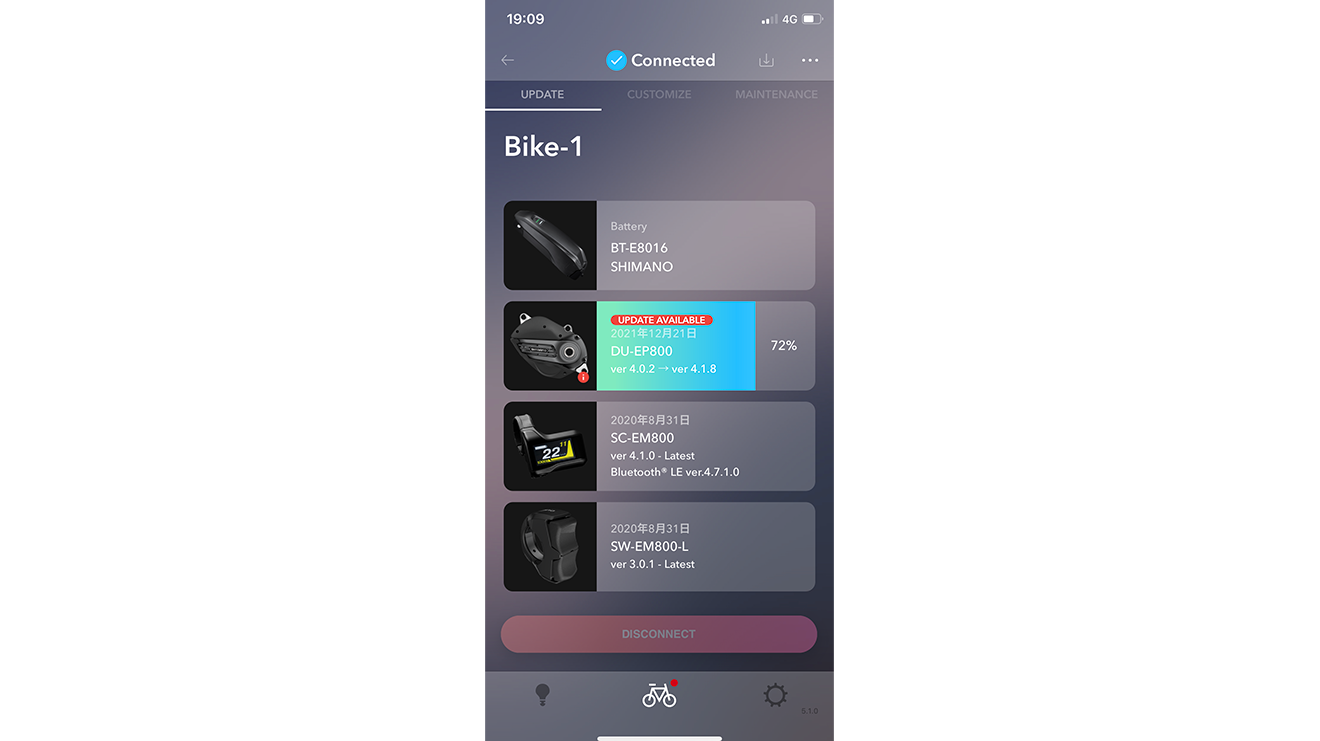
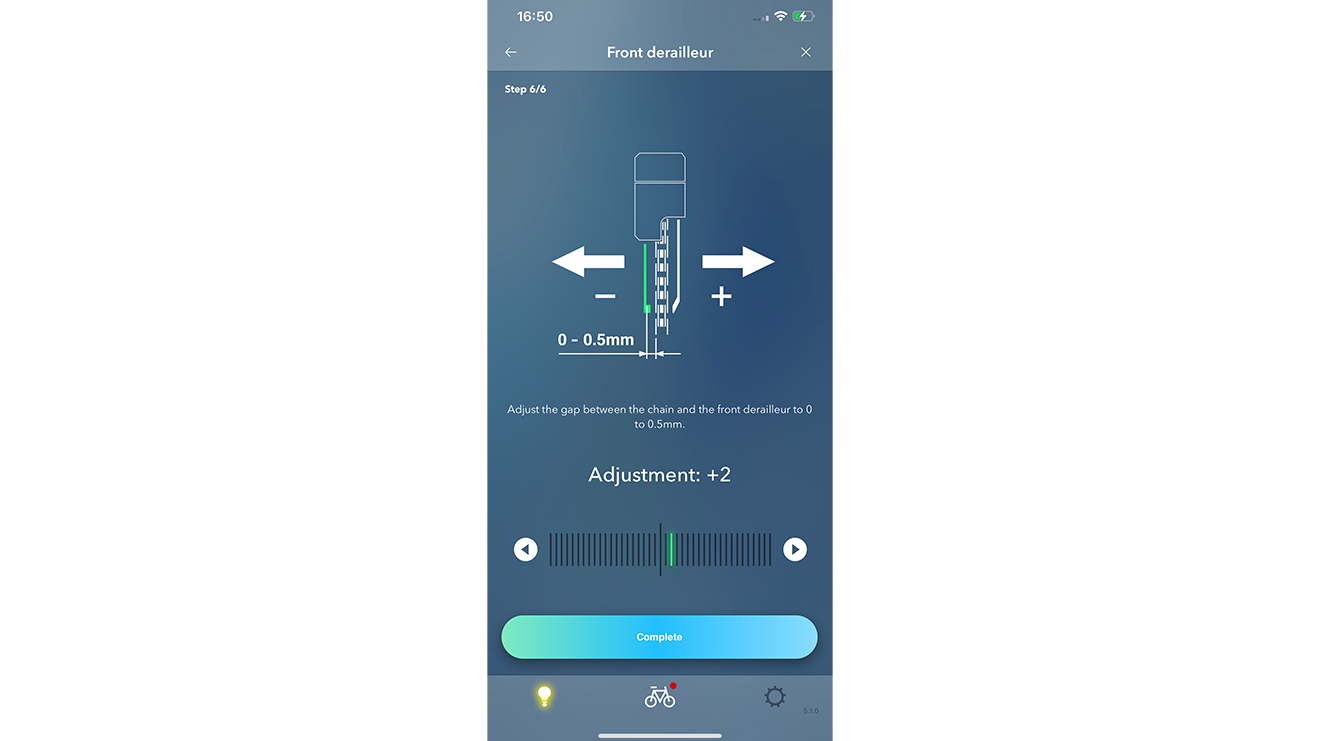
With the smartphone app, you can easily update firmware and customize electric shifting in addition to the E-BIKE assist power program.

FEATURE

Smartphone version -Wireless-

1. Advanced settings after installing the app

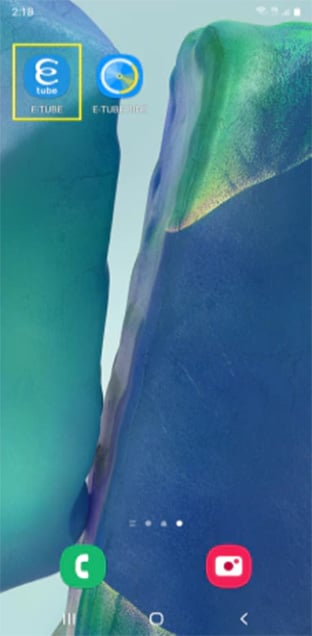
STEP 1

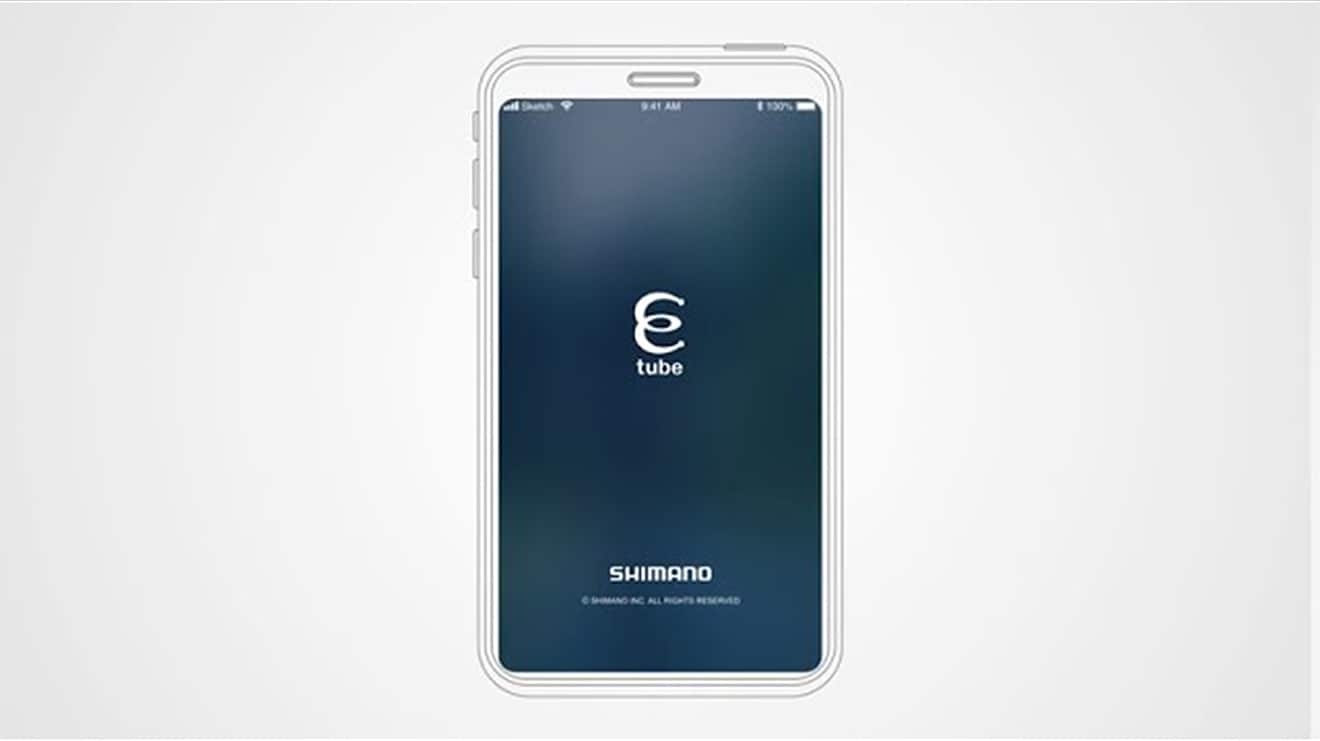
Tap the E-TUBE PROJECT Cyclist icon.

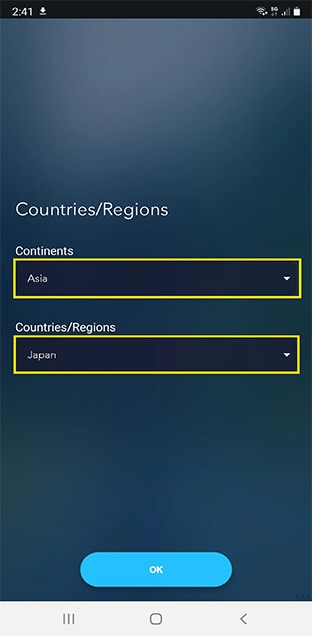
STEP 2

Select the country and area where the bicycle is used.

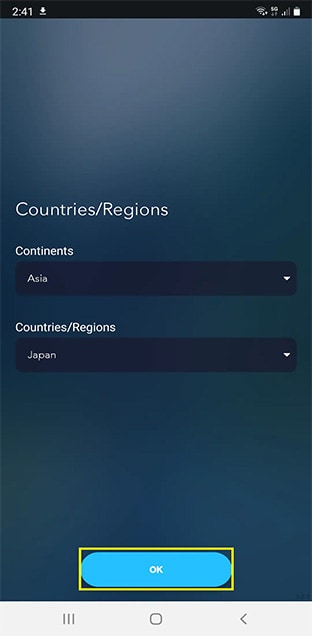
STEP 3

Tap "OK".

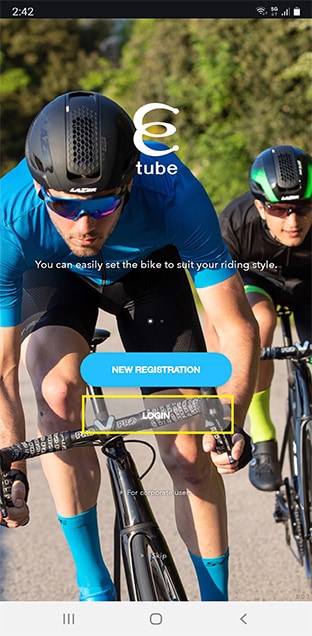
STEP 4

Tap "Login".

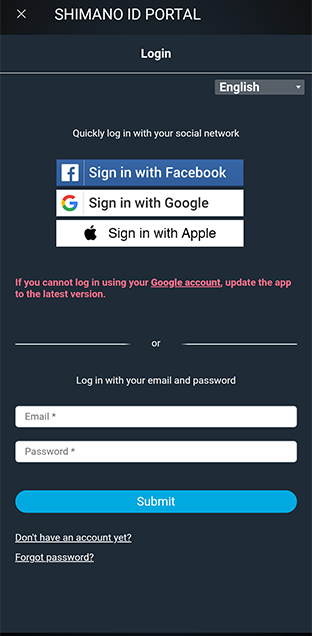
STEP 5

Log in on the SHIMANO ID PORTAL screen.
If you don't have an account, sign up for a new account.

STEP 6

Once the Bicycle registration screen is displayed, tap the + mark.

STEP 7

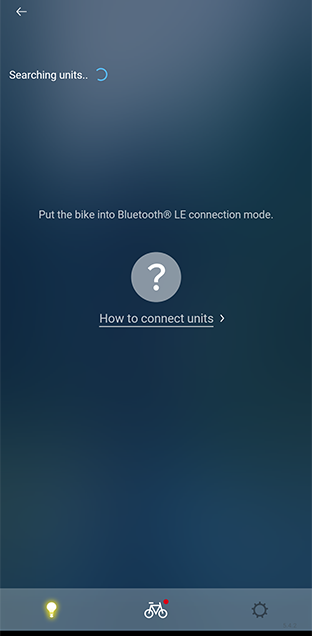
To connect, the wireless unit needs to be in “connection mode.”

STEP 8

Select a wireless unit.

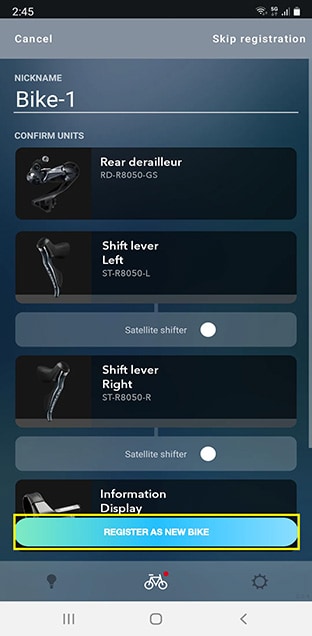
STEP 9

Register as a new bicycle.

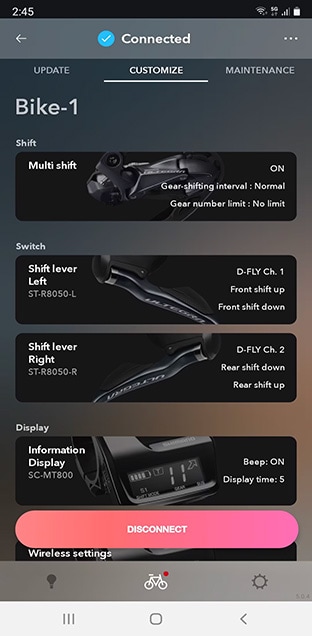
STEP 10

The connection is now complete.

2. Display operation function using D-FLY switch

By configuring each app, you can change screens without taking your hand off the handle.
Discover the best way to use it.

E-TUBE PROJECT Cyclist

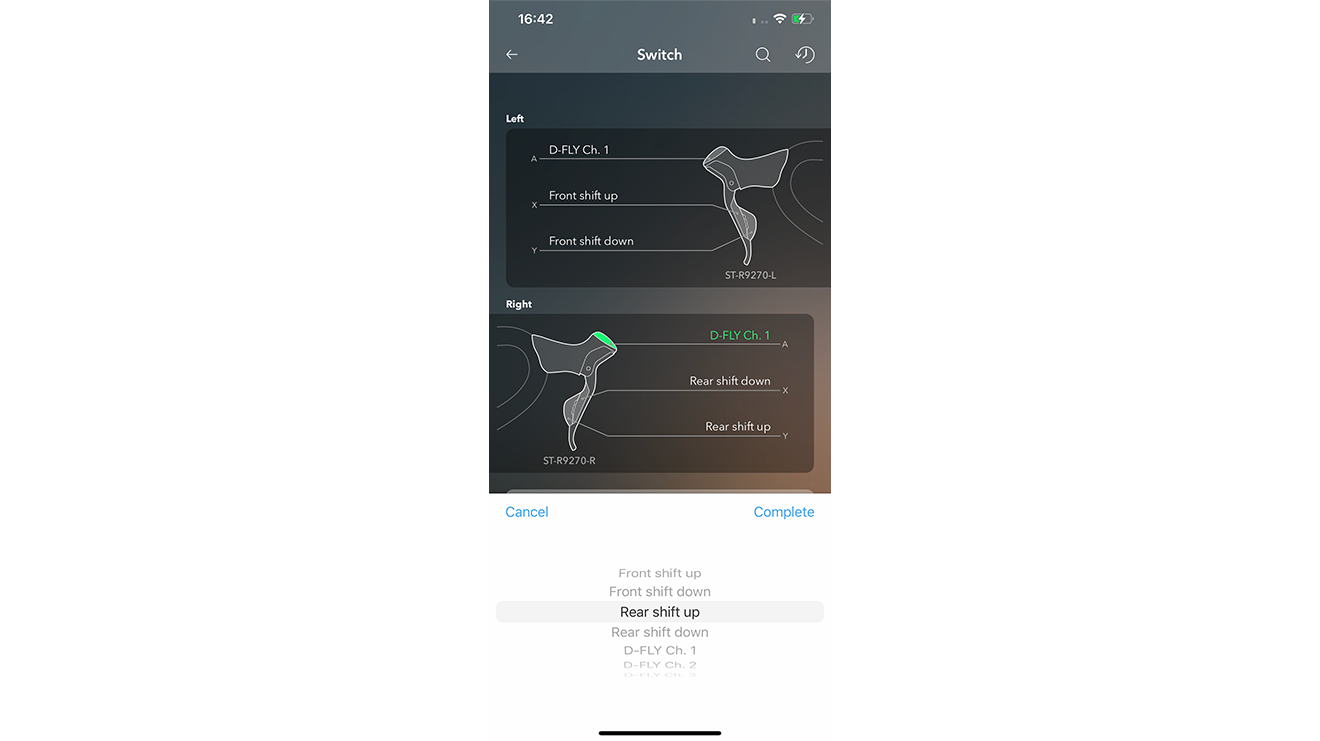
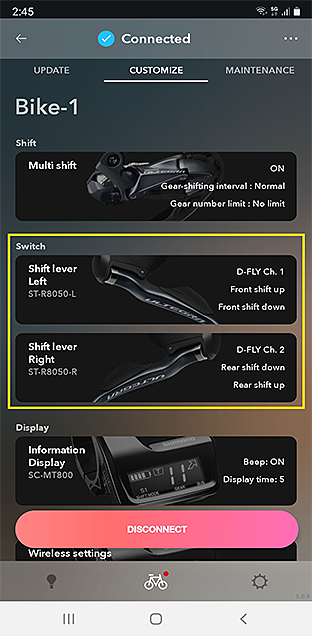
Start the E-TUBE PROJECT Cyclist and assign a D-FLY Ch to a switch.

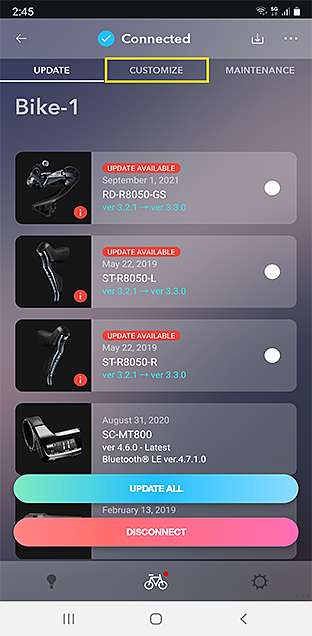
STEP 1

Tap the "Customize" tab.

STEP 2

Tap the Switch function.

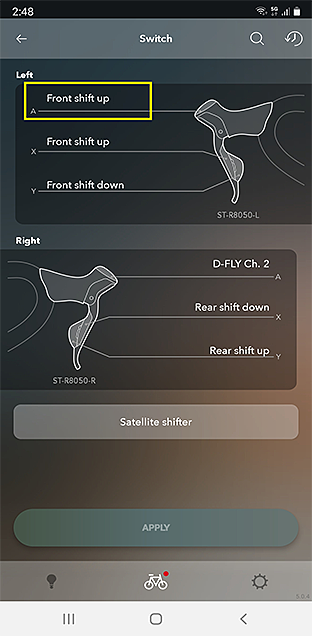
STEP 3

Tap a switch where you want to assign a D-FLY channel.

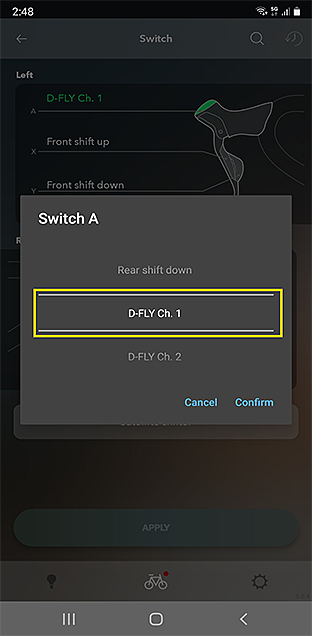
STEP 4

Select a D-FLY channel from 1 to 4.

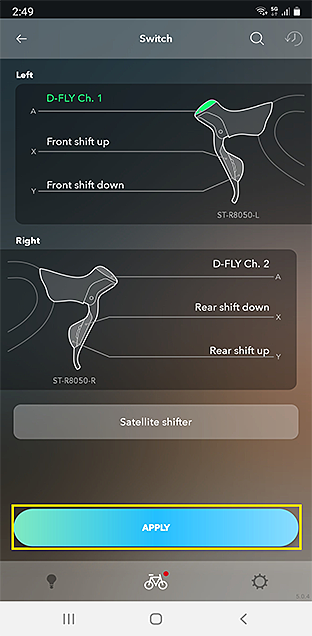
STEP 5

Tap "APPLY" to apply the setting.

play icon

PRODUCT Support

web

FAQ

Frequently asked questions about E-TUBE PROJECT Cyclist are provided below.

FIRMWARE UPDATES

Filter by Model No
